

Search
Monday 5th June 2023

Celebrating Global Accessibility Awareness Day

Category: Company
Full colour iconPebblePad@2x
by: PebblePad

On the 18th of May, we participated in Global Accessibility Awareness Day (GAAD), a day dedicated to promoting inclusivity and raising awareness about digital accessibility.

At PebblePad, we are committed to making accessibility a top priority, so our team organised a lunch and learn where colleagues across our organisation discovered valuable insights into the world of accessibility and used the time to explore the accessibility state of our own platform.

When it comes to accessibility, we know there’s always room for improvement, so in addition to our lunch and learn, we organised an Accessibility Extravaganza, where our development team joined together and spent the day solely focusing on ways to make our core user journeys more accessible.
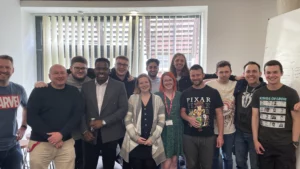
 Developer-Team at PebblePad

The PebblePad Accessibility Improvements Team


During this time, we were determined to leave no stone unturned, and were able to make improvements to our workbooks, templates, portfolios, pages, and much more.

Take a look below to see what we got up to, what areas we tackled, and how these changes will help our users.


Rich Content Editor

We optimised the autofocus function on our new CK5 text editor and made improvements, so keyboard shortcut instructions are now read out to screen-readers.

Helps with: Visual impairments


Modals

The labels of our “Share” modal have been improved to provide more information, so that users can better understand the purpose of the fields. The colour contrast of the text on the “Welcome” modal has also been optimised to make it easier to see.

Helps with: Visual impairments


Header Bars

We have optimised the header bars in Pebble+ and ATLAS to indicate more clearly for users what each button is for and where the user will be taken.

Helps with: Visual and cognitive impairments


Progress Tracking

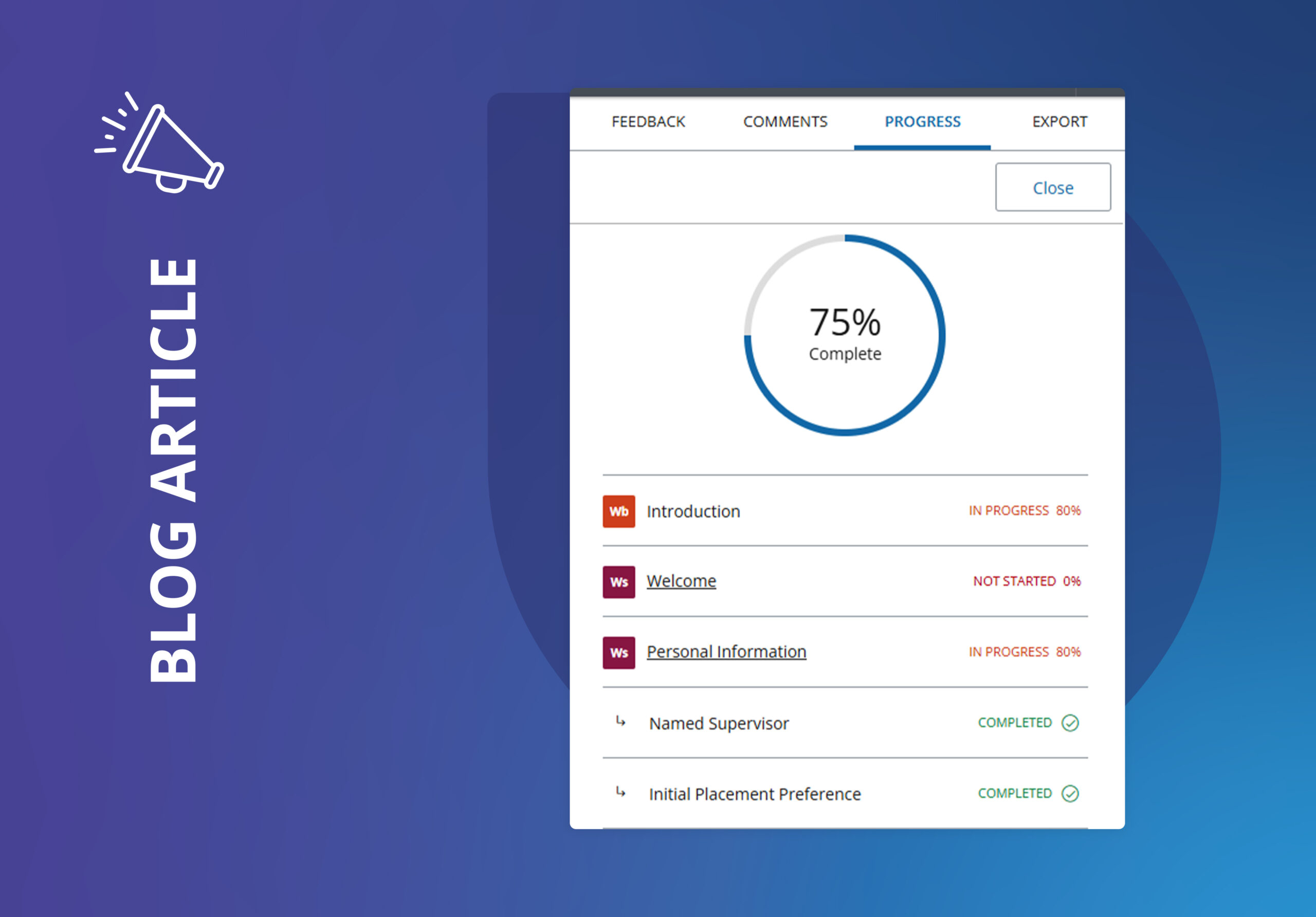
The colour contrast of the dropdown arrow and progress indicators have been darkened to make them easier to see, people using screen-readers can now hear what progress they have made against each page, and we’ve updated our accessibility so keyboard-only users can now navigate through the content.

Helps with: Visual and cognitive impairments


Asset/Resource Stores

We’ve replaced our existing low-contrast icons in the Asset/ Resource store with new icons that have the correct focus highlight for keyboard navigation. The colour contrast of the input areas in “Advanced Search” have been improved to make them more visible, and the labelling of the “Advanced Search” and “Clear” (‘x’) controls have been optimised to make the action clearer.

Helps with: Visual and cognitive impairments


Workbooks & Templates

For tables, we’ve fixed the labels to read only once, and the labels of the “I Want To” menu are clearer and provide more information about the asset/resource type. We’ve also included more information about our resize buttons in embed blocks for screen-readers, and keyboard-navigation users will be able to select dropdown options inside a workbook or template.

Helps with: Visual impairments


Portfolios & Pages

The “skip to main content” button in Portfolios has been optimised to provide a more logical flow for screen-readers and keyboard-only users.

Helps with: Visual and cognitive impairments


Feedback

We’ve optimised our SV2 Feedback sidebar so screen-readers can now hear all feedback items with correct ARIA states.

Helps with: Visual impairments


Dashboard

We’ve made improvements to our dashboard so screen-readers will now hear more concise information when navigating to Dashboard tiles, in a logical heading structure.

Helps with: Visual impairments


We made some great improvements on Global Accessibility Awareness Day, but our goal to become more accessible is an on-going commitment. Make sure to check out our monthly release notes to keep an eye on what we’ve improved, and for more information on how you can make your resources more accessible for your users, check out our PebblePad Accessibility Portfolio.

share
Picture of PebblePad
PebblePad

Latest Articles

Want to chat

If you want to talk to a team who really understands
your world, please get in touch today.

Curriculum Transformation at the University of Edinburgh: co-creation and the relationship between local innovation and institutional change

Talk description: I will use the themes of reflection and experiential learning, skills development and assessment (including programme level assessment and changes in assessment practice) to explore this process in more detail. This includes the link between disciplinary and institutional curriculum reform, learning from local innovations and changes, and using this to inform University level changes and support.

Bio: My current position is leading the University wide Curriculum Transformation Project. This is a major and long term initiative for the University considering all areas of the University’s undergraduate and taught postgraduate curriculum. Prior to this Jon set up and led the Institute for Academic Development (IAD) at the University of Edinburgh. The IAD provides University level support for teaching, learning and researcher development, including direct support for students and staff, and support for enhancement and innovation in curriculum development, the student and researcher experience. Jon has a PhD in petroleum geology.

Mission Possible: The DNA of a bespoke professional development program

Talk description: The diversity of students in higher education dictates that there cannot (and should not) be a single ‘silver bullet’ approach to address the complex challenge of career readiness learning. However, the reality of modern university structures is that delivering bespoke experiences for each student is a challenge in and of itself.  And yet, all things are possible with creative use of PebblePad to streamline delivery (for the university) and make it highly personalised (for the student). 

Bio: Gayle Brent is a Learning and Teaching Consultant (Employability) at Griffith University, Queensland, Australia. Gaye’s specialist area of interest is developing and implementing strategies to enhance staff and student understanding of employability in both curricular and extra-curricular contexts. She completed a Master of Education and Professional Studies Research to explore the potential barriers and challenges to embedding employability-based learning in higher education curriculum and is currently completing a Doctor of Philosophy exploring the impact of an extra-curricular employability program on the individual student experience.

Dr Melissa Highton. Assistant Principal, University of Edinburgh

Talk description: A journey through the stories told by wicca data. How a neglected research data set was used by students to overturn historic injustice and shed new light on the lives of women in Scotland.

Bio: Melissa has worked for many years in higher education at some of the UK’s finest and most ancient institutions. In each place she enjoys discovering the hidden histories and less heard voices which can be surfaced in new ways using the most up to date and open technologies. She is a champion of playful and curious approaches to engagement with audiences on campus and online, and is an invited speaker at events about dangerous women.

Education is an Experience That Should Be Designed

Talk description: We have any number of problems and opportunities as universities, and universities must adapt to help students from diverse backgrounds develop the knowledge and skills they need to thrive and make a positive impact in the world. Key to those adaptations is understanding that we provide students with an experience. We ought to design them with intention and purpose. This talk with take up this argument and ground it within a large educational transformation project at the University of Leeds.

Bio: Jeff Grabill is Deputy Vice Chancellor for Student Education at the University of Leeds. Prior to joining the University of Leeds, Grabill was at Michigan State University (MSU) in the United States for nearly 20 years. He served Michigan State University as the Associate Provost for Teaching, Learning, and Technology. In that role, he was responsible for facilitating innovation in learning and educator professional development via his role as Director of the Hub for Innovation in Learning and Technology. Grabill’s research focuses on how digital writing is associated with citizenship and learning. That work has been located in community contexts, in museums, and in classrooms at both the K-12 and university levels. Grabill is also a co-founder of Drawbridge, an educational technology company.

Sign Up to the Customer Newsletter