Search
Tuesday 16th September 2025

Creating Accessible Content: PebblePad’s Presentation on Inclusive Design at UCB 2025

Category: Articles
Full colour iconPebblePad@2x
by: PebblePad
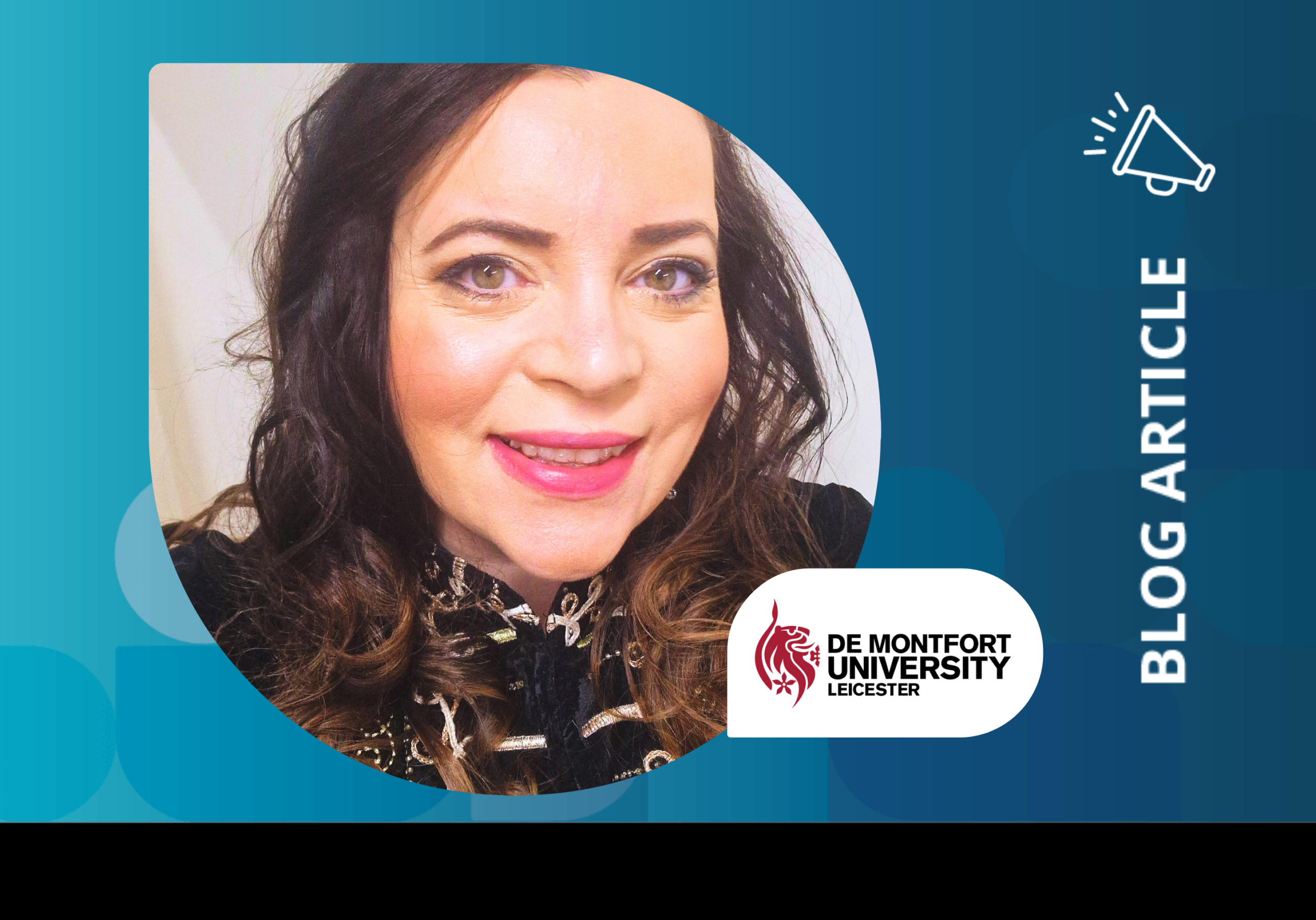
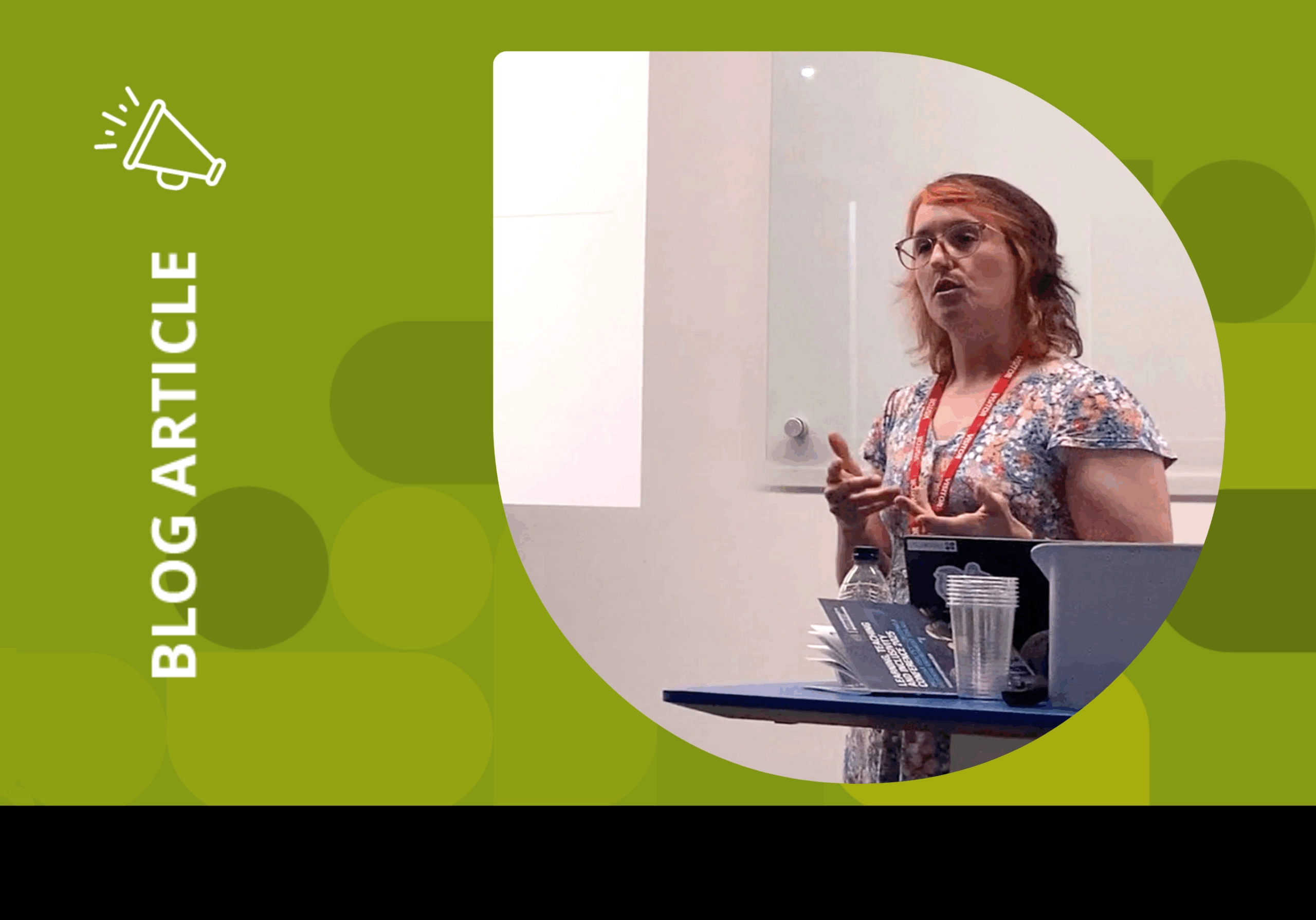
Picture of Fabienne Loveder, PebblePad's Accessibility Champion

Discover practical ways to design accessible, inclusive content in PebblePad, highlighted during a standout presentation at the University College Birmingham’s Learning, Teaching and Inclusivity Conference 2025.

At this year’s conference, PebblePad’s Product Manager and Accessibility Champion, Fabienne Loveder, delivered a compelling presentation on creating accessible content in PebblePad. With her signature clarity and warmth, Fab shared practical insights into inclusive assessment design and how small, thoughtful choices can reduce barriers to learning for all students.

Her message was clear: accessibility isn’t an add-on – it’s a mindset. And when embedded from the start, it transforms not just the learner experience, but the outcomes too.


Why inclusion matters

“Inclusive design flips the script,” Fab explained. “Rather than saying, ‘we’ll fix things if you don’t fit,’ it says, ‘you belong here, and the system will meet you where you are.’”

As education becomes increasingly diverse, learners bring a wide range of abilities, backgrounds and preferences. Yet many systems weren’t built with that diversity in mind. The result? Barriers that are costly, stressful and disempowering.

Fab highlighted the traditional approach to accessibility – bolting it on at the end – as unsustainable. Instead, she advocated for a ‘shift left’ approach: designing with accessibility in mind from the outset.


What inclusive design looks like

Inclusive design isn’t about lowering standards. It’s about raising the bar for everyone. Fab shared several practical strategies that institutions are already using:

  • Flexible formats for both content and assessment
  • Plain, transparent language in learning outcomes
  • Universal Design for Learning (UDL) frameworks to support autonomy and reduce cognitive load
  • Thoughtful use of AI to help learners express ideas in academic language without losing their authentic voice

“These practices don’t just help learners with declared disabilities,” Fab said. “They improve clarity, confidence and engagement for everyone.”


Accessibility in PebblePad: Small shifts, big impact

Text and instructions

  • Use plain language and short sentences
  • Break down complex ideas into smaller, digestible chunks
  • Avoid jargon and overly formal tone
  • Frame instructions positively to motivate learners
Take those complex ideas down into smaller bits. That will help learners, especially those with dyslexia or cognitive disabilities, to access that content and really engage with it.

Media

  • Add alt text to images
  • Ensure captions and transcripts are available for videos
  • Avoid overloading pages with visuals

Colour and contrast

  • Use a consistent colour palette with strong contrast
  • Avoid pale grey text on white backgrounds
  • Steer clear of overstimulating ‘rainbow’ palettes

Layout and headings

  • Apply heading levels to structure content for screen readers
  • Use descriptive link text (e.g. ‘Accessibility Guide’ instead of ‘Click here’)

Assessment flexibility

PebblePad allows learners to showcase their skills in diverse ways. Fab encouraged educators to avoid rigid formats and instead offer multiple ways for learners to demonstrate competence.

“Don’t make the content … so rigid that [learners] can’t be flexible with what they’re adding to it.”


Two Examples: Before and after


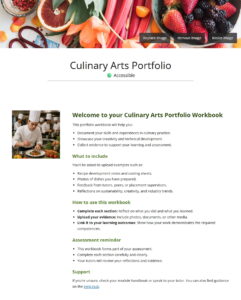
Example 1: Workbook introduction

Before: Pale grey text, dense paragraphs, jargon-heavy language, negative tone and poor ‘scanability’.
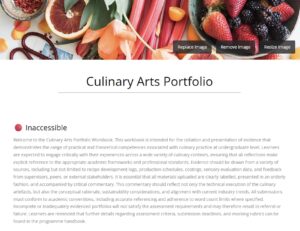
Example image of inaccessible content

After: Introduce accessibility into the content’s layout, including:

  • Clear headings and bullet points
  • Plain, learner-friendly language
  • Positive framing of assessment
  • Visual appeal with balanced use of images
  • Accessible colour contrast

Example of accessible content


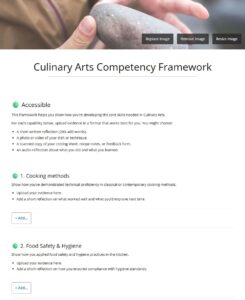
Example 2: Competency framework

Before: One rigid assessment format (750 words), buried competencies, academic-heavy language and punitive tone.
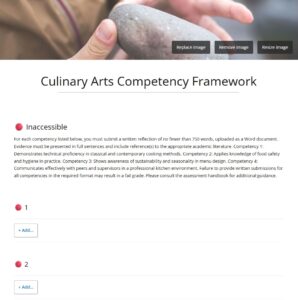
Example of inaccessible content

After: Introduce accessibility into the content’s layout, including:

  • Flexible options for demonstrating competence
  • Clear titles and descriptions using PebblePad’s block properties
  • Supportive, encouraging language

Example of accessible content

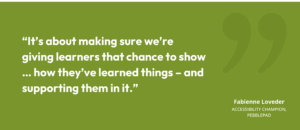
“It’s about making sure we’re giving learners that chance to show … how they’ve learned things – and supporting them in it.”


Golden rules for accessibility

Fab closed her presentation with three clear takeaways. First, start with design –embedding accessibility from the beginning is not only easier but also fairer and more inclusive.

Second, focus on consistent, incremental improvements; even small shifts can make a meaningful difference without requiring a complete overhaul. And finally, remember that inclusion doesn’t lower standards – it raises them, improving clarity, fairness and outcomes for all learners.
“The good news is – you’ve already got the tools in PebblePad to do this, so you can make these types of changes now.”


Ready to make your content more inclusive?

Download PebblePad’s Accessibility Guide today and start making small shifts that create a big impact.
Download the Accessibility Guide now

share
Picture of PebblePad
PebblePad

Latest Articles

Want to chat

If you want to talk to a team who really understands
your world, please get in touch today.

Curriculum Transformation at the University of Edinburgh: co-creation and the relationship between local innovation and institutional change

Talk description: I will use the themes of reflection and experiential learning, skills development and assessment (including programme level assessment and changes in assessment practice) to explore this process in more detail. This includes the link between disciplinary and institutional curriculum reform, learning from local innovations and changes, and using this to inform University level changes and support.

Bio: My current position is leading the University wide Curriculum Transformation Project. This is a major and long term initiative for the University considering all areas of the University’s undergraduate and taught postgraduate curriculum. Prior to this Jon set up and led the Institute for Academic Development (IAD) at the University of Edinburgh. The IAD provides University level support for teaching, learning and researcher development, including direct support for students and staff, and support for enhancement and innovation in curriculum development, the student and researcher experience. Jon has a PhD in petroleum geology.

Dr Melissa Highton. Assistant Principal, University of Edinburgh

Talk description: A journey through the stories told by wicca data. How a neglected research data set was used by students to overturn historic injustice and shed new light on the lives of women in Scotland.

Bio: Melissa has worked for many years in higher education at some of the UK’s finest and most ancient institutions. In each place she enjoys discovering the hidden histories and less heard voices which can be surfaced in new ways using the most up to date and open technologies. She is a champion of playful and curious approaches to engagement with audiences on campus and online, and is an invited speaker at events about dangerous women.

Education is an Experience That Should Be Designed

Talk description: We have any number of problems and opportunities as universities, and universities must adapt to help students from diverse backgrounds develop the knowledge and skills they need to thrive and make a positive impact in the world. Key to those adaptations is understanding that we provide students with an experience. We ought to design them with intention and purpose. This talk with take up this argument and ground it within a large educational transformation project at the University of Leeds.

Bio: Jeff Grabill is Deputy Vice Chancellor for Student Education at the University of Leeds. Prior to joining the University of Leeds, Grabill was at Michigan State University (MSU) in the United States for nearly 20 years. He served Michigan State University as the Associate Provost for Teaching, Learning, and Technology. In that role, he was responsible for facilitating innovation in learning and educator professional development via his role as Director of the Hub for Innovation in Learning and Technology. Grabill’s research focuses on how digital writing is associated with citizenship and learning. That work has been located in community contexts, in museums, and in classrooms at both the K-12 and university levels. Grabill is also a co-founder of Drawbridge, an educational technology company.

Mission Possible: The DNA of a bespoke professional development program

Talk description: The diversity of students in higher education dictates that there cannot (and should not) be a single ‘silver bullet’ approach to address the complex challenge of career readiness learning. However, the reality of modern university structures is that delivering bespoke experiences for each student is a challenge in and of itself.  And yet, all things are possible with creative use of PebblePad to streamline delivery (for the university) and make it highly personalised (for the student). 

Bio: Gayle Brent is a Learning and Teaching Consultant (Employability) at Griffith University, Queensland, Australia. Gaye’s specialist area of interest is developing and implementing strategies to enhance staff and student understanding of employability in both curricular and extra-curricular contexts. She completed a Master of Education and Professional Studies Research to explore the potential barriers and challenges to embedding employability-based learning in higher education curriculum and is currently completing a Doctor of Philosophy exploring the impact of an extra-curricular employability program on the individual student experience.

Sign Up to the Customer Newsletter